
Content Factory · The Orchcast platform
AI content creation tools for on-brand drafts
Turn a brief into social posts, blog drafts, emails, or video scripts. Choose the format and brand voice, then edit the draft before it goes for review.
One client brand · No credit card required · Features and allowances vary by plan.
From first step to reviewed output
How it works
- Choose the client voice, content format, audience and goal.
- Create drafts for X / Twitter, Reddit, YouTube long-form, Google Business Profile, Snapchat Spotlight, WhatsApp Channels and Substack.
- Review and save the draft, or reopen it from History. Copy it for manual posting or export a Word file to import into Google Docs.
How each draft format works
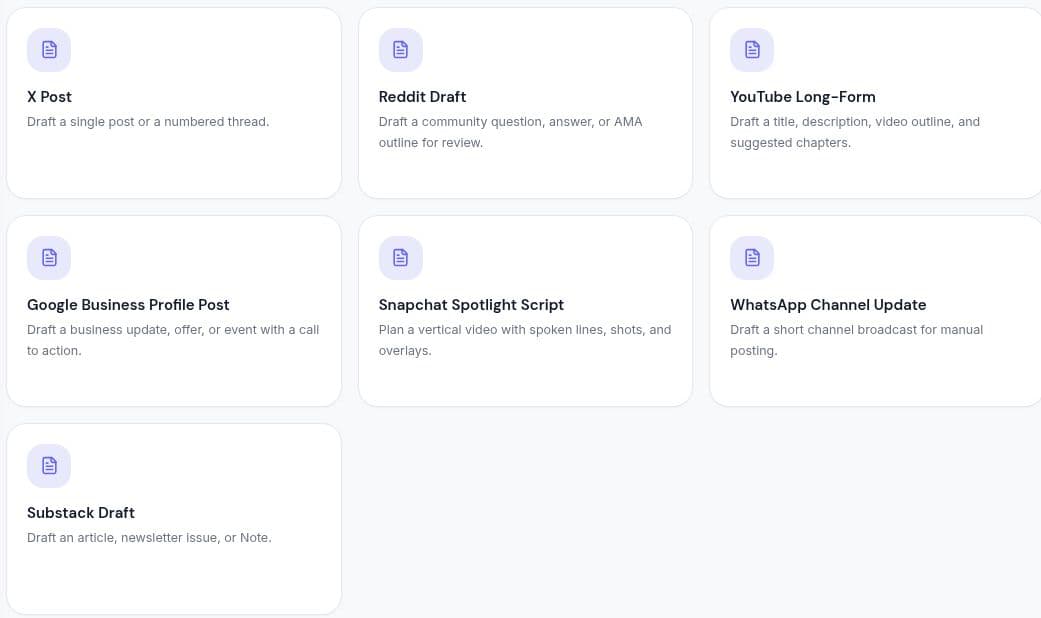
X / Twitter posts
In the brief, choose one post or a numbered thread and add any approved links. Review the character count of each post before copying it.
Reddit posts
Provide the subreddit, its rules and your topic. The draft gives you a title and body to review for community rules and any required affiliation disclosure.
YouTube long-form videos
Enter the video topic, audience and expected length. Review the title, description, outline, thumbnail concept and suggested chapter times against the finished video.
Google Business Profile posts
Choose an update, offer or event. Supply the location, dates, terms and call to action, then verify those details in the finished draft.
Snapchat Spotlight scripts
Describe the scene and duration. Review the vertical video plan, timed shots, spoken lines, on-screen text and caption before filming.
WhatsApp Channels updates
Supply the announcement and any verified dates or links. Review the short public channel update, then copy it to your channel when ready.
Substack drafts
Choose an article, a newsletter issue or a Note and describe your readers. Review the draft in that format before copying it to Substack.
Put it to work
Questions about Content Factory
How does an AI content generator use a brand voice?
Orchcast combines the selected voice profile with your brief, audience, goal and format to generate a draft. Your team then edits and checks the content before review or publication.
How do I use Content Factory in Orchcast?
Choose the client voice, content format, audience and goal. Create drafts for X / Twitter, Reddit, YouTube long-form, Google Business Profile, Snapchat Spotlight, WhatsApp Channels and Substack. Review and save the draft, or reopen it from History. Copy it for manual posting or export a Word file to import into Google Docs.
Choose a real brief. Start with one brand.
Explore the workflow with your own content, review the results and decide what fits your team. Check pricing for current access, collaboration features and usage allowances.


